You can submit a bug report by using our special screen recorder. Simply click the link and follow the prompts to begin recording your screen to demonstrate the bug in action. Once you stop the record and submit it, we will be notified and will take action as quickly as we can.
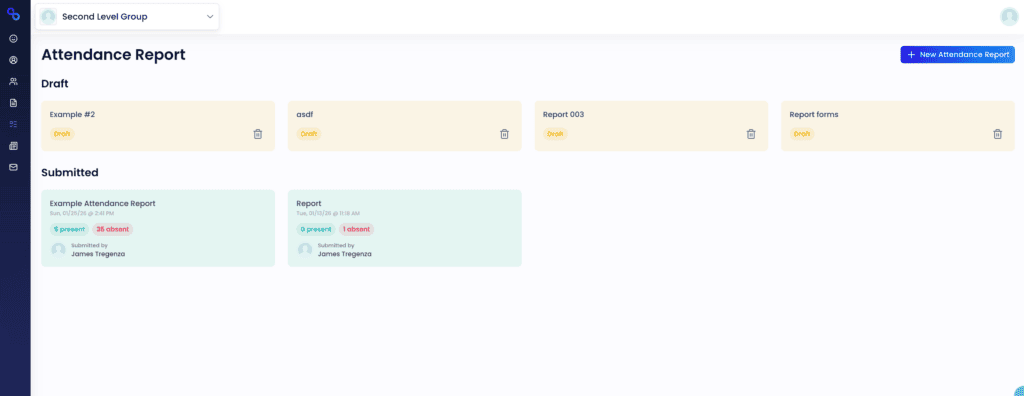
Attendance reports are available in both the Admin Interface and the Member Portal (for those who have staff privileges). Here is how to create and conduct an attendance report in both areas.